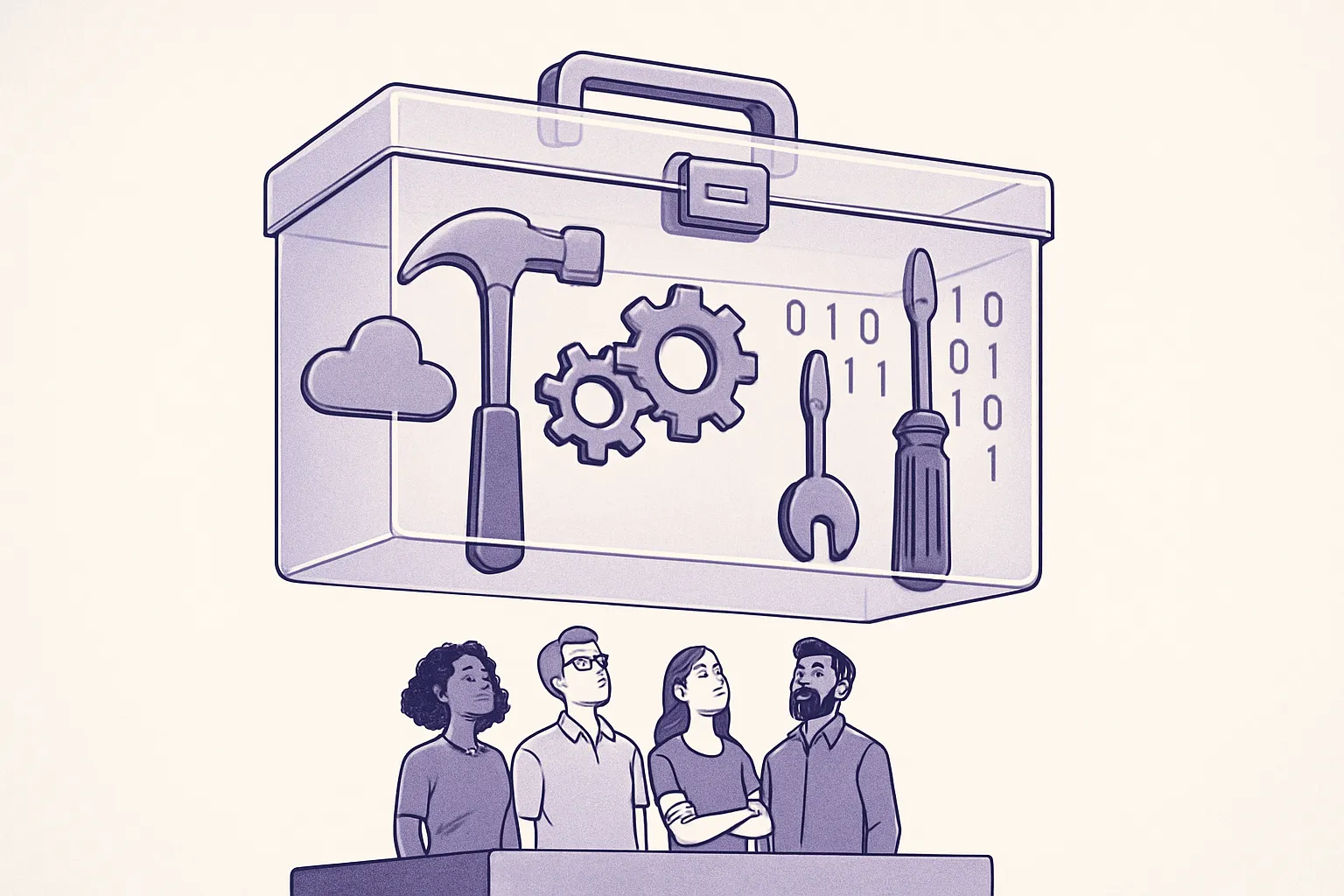

Choosing a DevOps tool gets messy fast because the decision rarely stays inside one team or one workflow. A tool that looks like a quick fix for deployments can reshape access control, incident response, audit trails, cloud spend, developer experience, and the amount of manual glue code your team has to maintain. The right choice is not the tool with the loudest roadmap or the most integrations on paper; it is the one that fits how your team ships software today, reduces a real operational constraint, and can still support the workflow you expect to need six months from now.
1. Define the problem the tool needs to solve
Start with one clear job. Do you need faster CI builds, safer deployments, cleaner infrastructure changes, better observability, stronger secrets management, or less manual release work?
A vague goal like “improve DevOps” will push you toward buying too much. A specific goal helps you compare tools against real outcomes.
For example:
- Bad requirement: “We need a better CI/CD platform.”
- Better requirement: “We need pull request builds under 10 minutes, automated staging deployments, and manual approval before production.”
- Bad requirement: “We need observability.”
- Better requirement: “We need service-level dashboards, alert routing, and logs tied to deploy versions.”
If you are unsure where the real bottleneck is, start with an internal review of your delivery process. A structured DevOps audit can help you separate tool problems from process, ownership, and capacity problems.
2. Map your current workflow before comparing tools
Do not evaluate tools in isolation. First, map how work actually moves through your team: from code review to build, test, deployment, rollback, observability, on-call handoff, and compliance evidence. Include the awkward parts people usually hide in Slack threads, personal scripts, spreadsheets, or tribal knowledge. Those gaps matter because a new tool will either make them visible and easier to manage, or quietly turn them into a more expensive version of the same manual process.
Write down the current path for a typical change:
- A developer opens a pull request.
- Automated tests run.
- A reviewer approves the change.
- The change is merged.
- A build artifact or container image is created.
- The change is deployed to staging.
- Someone verifies the release.
- The change is promoted to production.
- Monitoring, alerts, and rollback steps are checked.
Then mark where the process slows down or breaks. Look for repeated handoffs, manual approvals without clear criteria, environment drift, missing logs, flaky tests, and unclear ownership.
This step prevents a common mistake: buying a tool that automates the wrong workflow. If your deployment process has five manual checks because nobody trusts the test suite, a new deployment tool will not fix the core issue. You may need better test reliability, clearer release rules, or cleaner environment management first.
3. Set selection criteria before you build a shortlist
Agree on criteria before vendor demos, trials, or internal debates. Otherwise, the loudest preference usually wins.
Use criteria that match your team’s maturity and constraints. A small team running a few services does not need the same setup as a platform team supporting dozens of product squads.
Core criteria to define
- Use case fit: What exact workflow will this tool support?
- Integration fit: Does it work with your source control, cloud provider, Kubernetes setup, identity provider, ticketing system, and alerting stack?
- Operational cost: Who will maintain it, upgrade it, debug it, and manage access?
- Security model: Does it support least privilege, audit logs, SSO, secrets handling, and approval controls?
- Developer experience: Can engineers use it without reading a long internal wiki every time?
- Scalability: Will it still work when the number of services, environments, or deployments doubles?
- Failure behavior: What happens when the tool is down, slow, or misconfigured?
- Migration effort: How hard will it be to move from your current setup?
Also define deal-breakers. For example, you might reject any tool that cannot integrate with your identity provider, does not support Kubernetes namespaces cleanly, or requires production credentials on developer laptops.
4. Shortlist tools by workflow category, not popularity
Do not start with a general list of “best DevOps tools.” Start with the part of the workflow you need to improve.
Most DevOps tool decisions fall into a few categories:
- Source control and code review: Pull requests, branch protection, code ownership, merge policies.
- CI: Build automation, test execution, dependency caching, artifacts.
- CD and release automation: Deployment pipelines, approvals, rollbacks, progressive delivery.
- Infrastructure as code: Cloud resources, Kubernetes resources, policy checks, drift detection.
- GitOps: Declarative deployments, cluster sync, environment promotion.
- Secrets management: Secret storage, rotation, access control, audit trails.
- Observability: Metrics, logs, traces, alert routing, service dashboards.
- Incident response: On-call schedules, escalation, runbooks, post-incident tracking.
Pick a maximum of three tools per category for serious evaluation. More than that usually wastes time. If the team cannot explain why a tool made the shortlist, remove it.
For example, if your problem is unreliable production deployments, compare CD and GitOps tools first. Do not get distracted by a new monitoring platform unless your release failures are hard to detect or diagnose.
5. Match the tool to your team structure and capacity
A tool that works well for a dedicated platform team may create overhead for a team with one part-time DevOps engineer. Be honest about who will own the tool after rollout.
Ask these questions:
- Who will configure the tool?
- Who will maintain pipelines, templates, modules, or dashboards?
- Who will handle access requests?
- Who will respond when the tool blocks a deployment?
- Who will train new engineers?
If the answer is always the same overloaded person, the tool may increase risk instead of reducing it. Before adding more tooling, check whether your team has enough operational capacity. If that question is already painful, use a capacity planning approach like calculating your company’s required DevOps capacity before committing to a more complex platform.
Team design matters too. A central DevOps team, an embedded platform engineer, and a product team with shared infrastructure ownership will need different tool boundaries. If you are still shaping those responsibilities, this guide on how to build a DevOps team can help you think through ownership before buying tools.
6. Run a small proof of concept with real work
A proof of concept should use a real service, real deployment rules, and real constraints. Avoid demo projects that skip the hard parts.
Choose one service that represents your normal complexity. For example, use an API with tests, container builds, environment variables, database migrations, staging deployment, production approval, and monitoring checks.
During the proof of concept, test:
- How long it takes to set up the first working pipeline or workflow.
- How much custom scripting you need.
- How permissions and secrets are managed.
- How failures appear to developers.
- How easy it is to rerun, roll back, or audit a deployment.
- How well the tool handles your existing branching and release model.
Set a time box. For many teams, one to two weeks is enough for an initial proof of concept. If the team cannot get a realistic workflow running in that time, the tool may still be valid, but you should treat adoption as a larger implementation project.
7. Compare total cost, not license price alone
License cost is only one part of the decision. A cheaper tool can become expensive if it requires constant maintenance, custom glue code, or frequent support from senior engineers.
Include these costs in your comparison:
- Setup time: Initial configuration, migration, and integration work.
- Maintenance: Upgrades, plugin management, runner management, policy updates.
- Training: Documentation, onboarding, internal examples, support channels.
- Downtime risk: What happens when builds, deploys, or alerts stop working?
- Vendor lock-in: How hard would it be to move pipelines, configs, or data later?
- Compliance needs: Audit logs, approvals, retention, and access reviews.
For example, a self-hosted CI system may look cheaper than a managed option. But if your team spends several hours each week fixing runners, updating plugins, and debugging queue issues, the managed tool may cost less in practice.
8. Check the security and compliance path early
Security review should happen before rollout, not after engineers start depending on the tool.
For DevOps tools, pay close attention to:
- Access to source code.
- Access to cloud credentials.
- Access to Kubernetes clusters.
- Secret storage and rotation.
- Audit logs for deployments and permission changes.
- Separation between staging and production access.
- Support for SSO and role-based access control.
A deployment tool with broad production permissions can become one of the highest-risk systems in your stack. Keep access narrow. Prefer short-lived credentials where possible. Make sure production changes leave a clear audit trail.
9. Plan adoption before rollout
Tool adoption fails when teams install the tool and expect habits to change by themselves. Plan how engineers will use it in daily work.
Create a rollout plan that includes:
- A clear owner for the tool.
- One or two reference implementations.
- Simple internal documentation.
- Migration steps for existing services.
- A support channel for questions.
- Rules for when teams can customize workflows.
Keep the first version boring. If you are rolling out a new CI/CD setup, start with standard build, test, deploy, and rollback patterns. Add advanced workflows later when teams understand the basics and have real needs.
If you need help designing the first production-ready setup, a DevOps setup consultation can be useful when you want an outside review before committing to a toolchain.
10. Review the decision after real usage
Set a review date before the rollout starts. After 30 to 60 days of real use, check whether the tool solved the original problem.
Review practical signals:
- Are deployments faster or safer?
- Are fewer steps handled manually?
- Do developers understand failures without asking the platform team?
- Are incidents easier to diagnose?
- Has maintenance work increased or decreased?
- Are teams following the intended workflow?
If the tool is working, standardize the pattern and document it. If it is not working, identify whether the issue is the tool, the implementation, or the process around it. Do not keep a poor fit just because the team already spent time setting it up.
Final takeaway
The right DevOps tool is the one that solves a specific workflow problem with an ownership model your team can sustain. Define the problem first, map the current workflow, set criteria, run a real proof of concept, and review the result after adoption. If a tool adds more maintenance than it removes, keep looking or simplify the process before adding another layer.