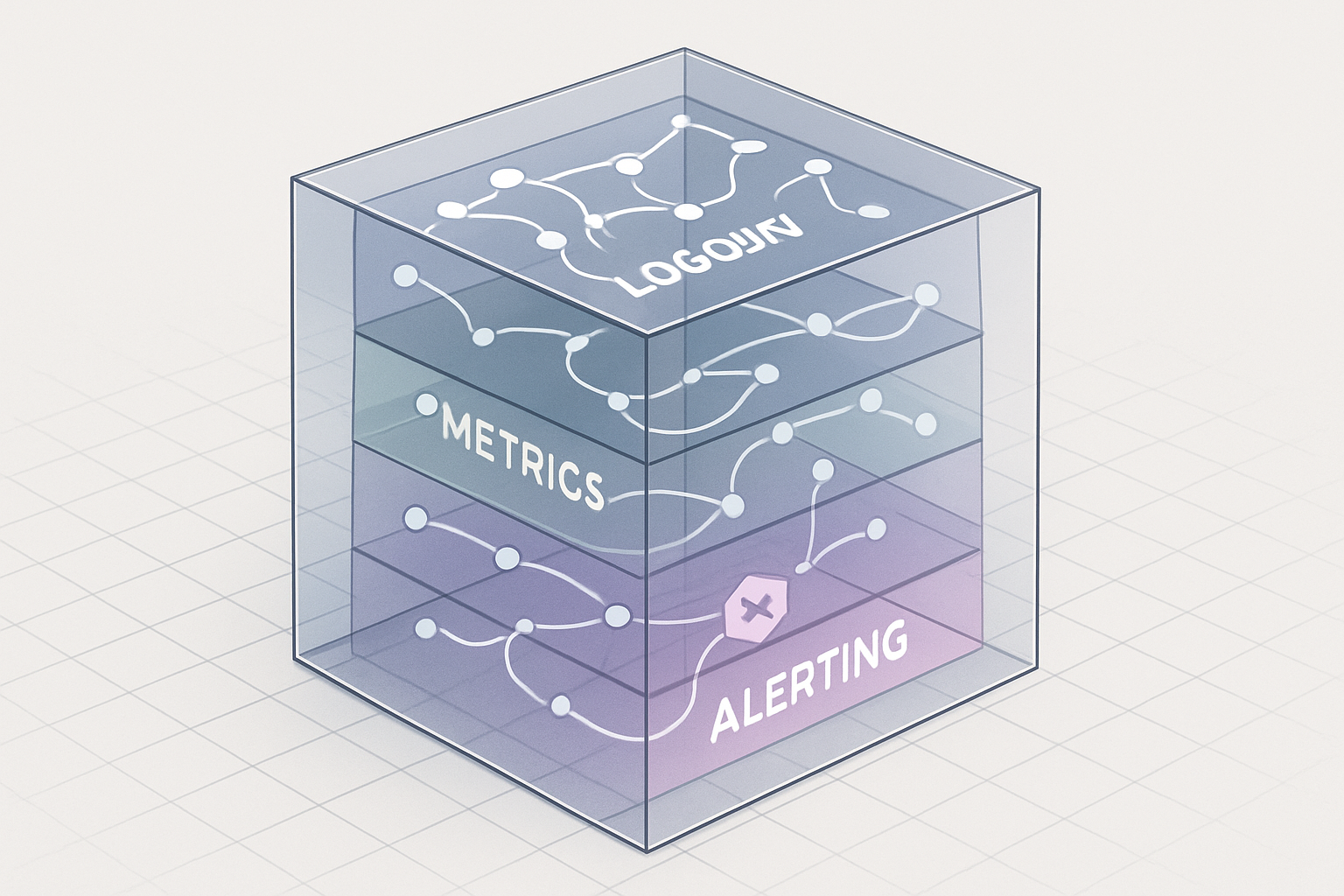
How to Build a Startup Observability Stack
Select logging, metrics, tracing, and alerting tools that support startup growth.
May 29, 2026
DevOps Engineering


Evaluate operational readiness, networking, IaC, observability, and fit before adopting Azure.


Azure can be a good fit for product teams that need managed cloud services, enterprise identity, strong networking controls, or a cleaner path into containers. The pressure usually appears when the team has outgrown a simple platform, needs more compliance control, or has a customer asking for Azure-specific deployment.
The risk is moving too fast. Teams often jump from Heroku, Render, Railway, or a small virtual machine setup into Azure Kubernetes Service before they have the operating model to support it. Azure gives you more control, but that control comes with decisions around networking, identity and access management, infrastructure as code, observability, backups, and on-call ownership.
If you are evaluating Azure for a startup, the question is not “Can Azure run our product?” It almost certainly can. The better question is: “Can our team operate the Azure setup we are about to create?”
Azure adoption should have a clear driver. Without one, teams tend to recreate their current setup with more moving parts and higher operational cost.
Good reasons to consider Azure include:
Weak reasons include “we should be on real cloud,” “Kubernetes is the next step,” or “Azure credits are available.” Credits can help, but they do not remove the engineering cost of running production infrastructure.
Before you commit, write down the top three problems Azure is supposed to solve. If those problems are mostly release discipline, poor monitoring, unclear ownership, or fragile environments, a cloud migration may expose the issues rather than fix them.
The biggest early mistake is adopting Azure Kubernetes Service (AKS) before the team needs Kubernetes. AKS is powerful, but it brings cluster upgrades, node pools, ingress, policies, secrets, resource requests, autoscaling, container image management, and debugging practices. If one engineer understands it and everyone else avoids it, you have created a production dependency on that engineer.
For many startups, the first Azure architecture should be simpler:
A practical rule: do not choose AKS because you might need it later. Choose it when your current architecture, team, and operational process can justify it now.
If you are unsure, map your expected workloads first:
If the answers are vague, start with App Service or Container Apps. You can still use containers, infrastructure as code, managed databases, private networking, and proper observability without starting with AKS.
Azure networking and identity are where many startup migrations slow down. The concepts are reasonable, but the number of choices can surprise teams coming from Heroku, Render, or Railway.
You will likely need to make decisions about:
Do not treat this as a post-migration cleanup task. Poor identity and networking decisions become hard to unwind once production traffic, secrets, databases, and CI/CD pipelines depend on them.
A simple early pattern is:
This work is less exciting than shipping a new deployment pipeline, but it reduces the chance that your first Azure incident becomes an access, secret, or network routing problem.
Skipping infrastructure as code (IaC) is another common startup mistake. The Azure Portal is useful for exploration, but click-based production setup creates drift quickly. One engineer creates a database firewall rule, another changes an app setting, someone adds a storage account manually, and six months later nobody knows which settings are required.
Use Terraform, OpenTofu, Bicep, or another IaC tool early. The specific tool matters less than the discipline:
If your team is still choosing its stack, compare tools based on your team’s skill set, cloud footprint, and maintenance capacity. A practical tool decision guide can help here: how to choose the right DevOps tools for your team.
You do not need a perfect platform repository on day one. Start with the resources that would hurt most if they were misconfigured or lost:
Keep manual portal changes for investigation and temporary fixes. Then convert them into code before they become permanent.
Many teams migrate to Azure, get the app running, and postpone observability and backups. That creates a fragile launch. If the first production issue happens before you have logs, metrics, traces, alert routing, and restore procedures, the team will debug blind.
At minimum, your Azure production setup should answer these questions:
Azure Monitor, Application Insights, Log Analytics, managed database backups, and storage redundancy can cover a lot of this. The tool names matter less than whether your team has working dashboards, useful alerts, and tested recovery steps.
Do not count “backups are enabled” as a recovery plan. Test a restore into a non-production environment. Confirm who can run it. Document the steps. If your database is the heart of the product, a restore test is not optional.
The same applies to alerting. A Slack channel full of noisy warnings will get ignored. Start with a small set of high-signal alerts:
If you do not have enough people to support on-call, be honest about that before you add more infrastructure. Estimating your real operational load is part of calculating your company’s required DevOps capacity.
Azure and Azure DevOps are separate decisions. You can run production workloads on Azure while using GitHub Actions, GitLab CI/CD, CircleCI, Buildkite, or another pipeline system. Azure DevOps can be a good fit for some teams, especially those already using its boards, repositories, pipelines, and artifact features. It is not mandatory for deploying to Azure.
Evaluate your delivery pipeline based on how your team works:
A common mistake is using a cloud migration as an excuse to rebuild every delivery process at once. If your current CI/CD system is stable, keep it during the first Azure migration unless there is a clear reason to change. Reduce the number of moving parts. You can revisit tooling after the platform is stable.
A lightweight reference architecture helps decision-makers and engineers align before anyone starts provisioning resources. It also makes gaps visible. If you cannot explain the first Azure version on one page, the design may be too complex for your current stage.
For many startup workloads, a simple service map looks like this:
This map should be specific enough that an engineer can identify which services exist in production, how traffic flows, where secrets live, and what happens during an incident. It should be simple enough that the CTO or VP of Engineering can use it in a planning conversation.
If your map already includes AKS, service mesh, multiple regions, complex hub-and-spoke networking, custom policy layers, and several deployment systems, pause and ask whether the team can operate it. Advanced architecture is only useful when the company has the need and capacity to maintain it.
The decision to move from Heroku, Render, Railway, or a small VM setup to Azure is as much about team readiness as cloud capability. A managed platform may feel limiting, but it also absorbs operational work. When you move to Azure, that work comes back to your team in new forms.
Before migrating, confirm that you have clear ownership for:
If all of this belongs to one backend engineer “for now,” the migration risk is high. You may not need a large platform team, but you do need explicit responsibility. For some startups, that means assigning a rotating infrastructure owner. For others, it means hiring, contracting, or creating a small internal platform function. If you are deciding where that responsibility should sit, this guide on how to build a DevOps team can help frame the options.
You can also reduce risk with a staged migration:
This approach gives the team real Azure experience before the main production cutover.
Azure is a strong option when your startup needs managed services, identity controls, private networking, or a path toward more flexible infrastructure. It is a poor shortcut if the team is trying to escape messy delivery habits, unclear ownership, or missing operational basics.
Start with the simplest compute model that fits. Treat networking and identity as design work, not cleanup. Use infrastructure as code early. Set up observability, backups, and restore testing before production depends on the platform. Keep your CI/CD choice separate from your Azure decision.
If you are unsure whether your current setup is ready for Azure, get an outside review before committing to a migration plan. A focused DevOps setup for production consultation can help you identify the gaps before they become production incidents.

